
Spell Files
Spell files are at the core of Arcane's functionality, and are what distinguishes Arcane from traditional methods of timecode programming.
Instead of preparing a timeline of what you want to happen for a specific track, (e.g. what cues / macros / triggers to fire, when to modulate the values of faders etc...), you prepare a timeline of what audio elements in this track might be cool to sync to visuals. This completely separates timeline preparation from Front-of-House showfiles, which means a few different things:
- You can prepare spell files independently of the show itself, as you don't need to know what fixtures and other visual elements are available to use.
- Other people in production can prepare spell files (including DJs and audio producers), as all you need is the audio track itself.
- Spell files for the same tracks can be reused across different shows.
- During the live show, you can combine busking with the timing information from the Spell files, using the Spell Casting interface to choose what outputs to link to what elements of the spell. You get the precision of timecoding, with the flexibility and creative freedom of busking.
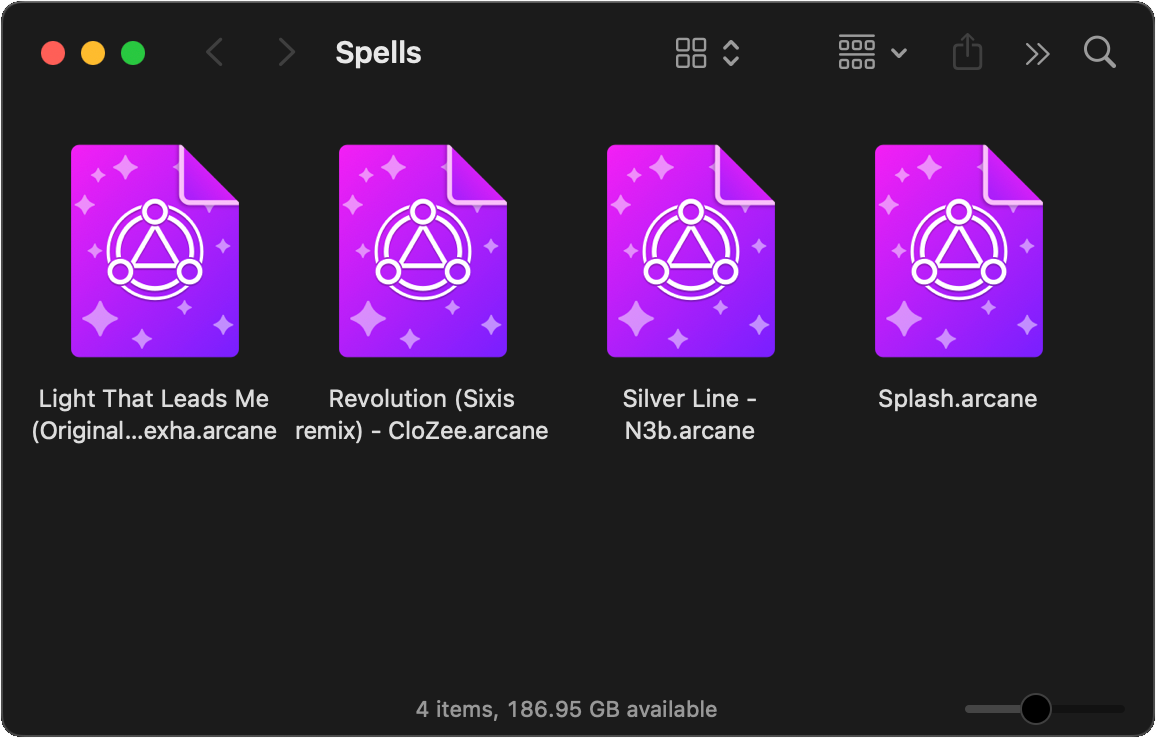
Spell files can be imported into Arcane Desktop at any time before or during a live performance, and will only be used when a timecode with matching metadata is being received.
Spell Layers & Envelopes
A spell consists of a number of layers, each representing a different type of musical element, or an important cue that needs to be tracked.
Each layer can be given a name, and is either:
- A CUE layer - where each marker has a timestamp, label and color.
- An EVENT layer - where:
- The layer has a type, e.g. percussion, melody, bass, vocals or other.
- Each item has a start & end time, and an envelope that tracks how the amplitude / intensity of that item changes over time, allowing elements like the attack, decay, sustain, and release to be accurately represented, and then used when connecting to real visual outputs.
To illustrate this, below is an example of 5 layers of a spell that is playing in a loop. It consists of:
- 1 cue layer: with a DROP and BREAKDOWN marker added.
- 2 percussion layers - A bass and snare, where the envelopes start at 100% and decay to 0% over time.
- 1 bass layer - where the envelope gradually increases, stays at 100% and then gradually decreases.
- 1 other layer - representing "beep" noises, where the envelope is 100% for the entire duration of each event.
There is no limitation to how many layers of each type a spell can have, it is entirely up to you. For example you could have 10 diffrerent percussion layers,
Spell Editor
The Spell Editor allows you to create and modify your spell files. You can make changes to your spells while connected to real timecode sources, and see how your changes affect outputs in real-time if you have also connected your spell to output groups in the Spell Casting interface.
See the full documentation on the spell editor.
Spell Library
From the Spell Library interface, you can browse, manage, import & export all of your spell files, and quickly open them for editing in the Spell Editor.
If any spells are loaded into the Spell Editor, or in-use by any connected timecode source, this will also be highlighted from the library.